A home you can see
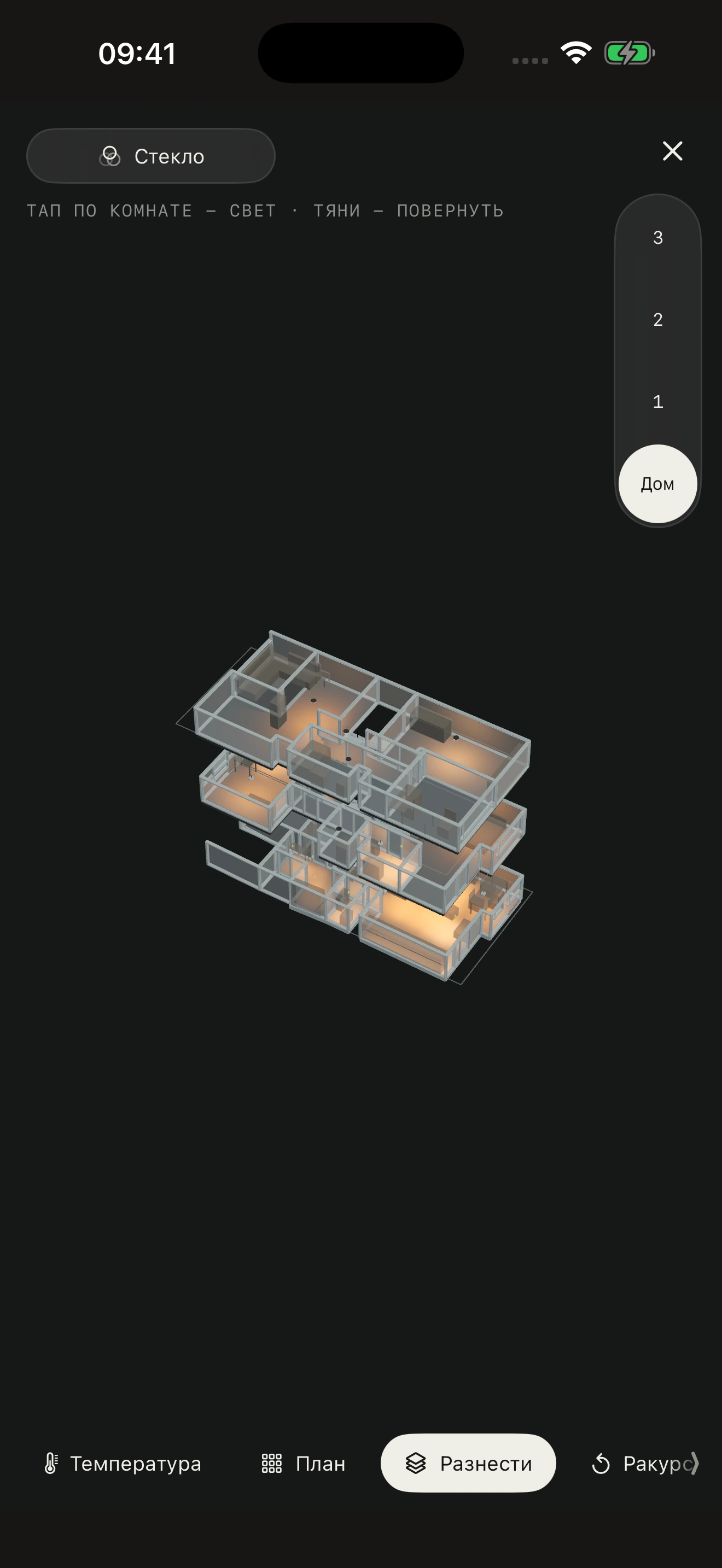
Your whole home.
Lights, one tap away.
Rotate the home. Choose a floor.
Control lights with a tap on a room.
Rooms
Preparing the interactive home…
The interactive model is unavailable. Watch the app
For iPhone and iPad · subscription, first 7 days free
Watch the app 26 secondsThe app · 26 seconds
See it in
the app.
Choose a room, adjust brightness and see your lights on the floor plan.
The video could not be played. Open the video directly
From room to model
Scan on iPhone.
Edit on Mac.
Build your home once. Use it every day.
- 01iPhone and iPad
Capture your space.
Scan rooms on a compatible LiDAR-equipped device. Mark fixtures through the camera, and mark both ends of an LED strip.
- 02Mac
Get the details right.
Edit walls and openings, align floors, and place stairs and fixtures. Move between the floor plan and the 3D model.
A separate Mac version is being prepared for the Mac App Store. Until then, edit your plan on iPhone and iPad.
- 03iPhone and iPad
Light up your room.
Transfer your home as a file or over the local network. Control a whole room, a circuit or a single light.
Your devices
Connect your
smart home.
Choose the system your devices already use, then link them to fixtures in your model.
- Apple Home
- Rooms and supported accessories from your home on iPhone and iPad.
- SprutHub
- Connect to your hub using its local or available cloud address.
- Home Assistant
- Connect to your server with its address and an access token.
Brightness, color, color temperature and other features depend on the accessory and the selected provider.
Your home stays yours.
Your layout lives on your devices and in your own iCloud backup. The app has no advertising or analytics.
How your data is storedNow, make it
your home.
Install the app, connect your devices and build a space that feels natural to control.